

- Featured Image
-

Welcome to MyPension, your secure online member portal.
Welcome to MyPension
ATRF is introducing a refreshed MyPension experience with an updated design, and improved navigation. Members are being invited to register for the new MyPension in stages to help ensure a smooth transition. Important note: Even if you’re already registered with the current version of MyPension, you will eventually need to register for the new portal.
Register
Ready to register for MyPension? Click the button below to begin the registration process. Please have your ATRF ID or Pension Number available before you begin.
Need help registering? Watch the registration video on the left or refer to this PDF guide.
Access the New MyPension
During the transition, both the new and legacy MyPension portals will be available. If you received a registration email for the new MyPension or you registered after November 23, 2026, please sign in below. Otherwise, please navigate to Access Legacy MyPension.
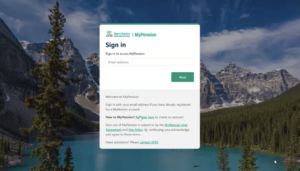
Access Legacy MyPension
You can continue using your existing MyPension account for now and register for the new portal later.
Access the Legacy MyPension by clicking the button below.
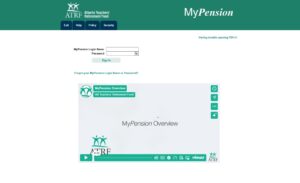
MyPension Overview
MyPension is ATRF’s secure online portal, giving you 24/7 access to your personal pension information and a variety of online features, including:
- updating your contact information
- updating your pension partner’s or beneficiary’s information
- changing your communication preferences
- sending messages and uploading documents through the Secure Message Centre
- registering for a webinar
- reviewing your annual statements
- calculating a pension estimate (active members)
- applying online for your pension (active members)
- updating your income tax deductions (retired members)
- viewing your COLA updates (retired members)
Additional MyPension walkthrough videos are available on ATRF’s Vimeo channel.